

To edit the properties of an Export Definition:
-
Select Admin from the top navigation bar, then select Integrations > Exports from the side navigation menu. The Exports screen is displayed.
-
On the Exports screen, search for the desired Export Definition (see
-
Click the name of the desired Export Definition. The Export Definition Details screen is displayed.
-
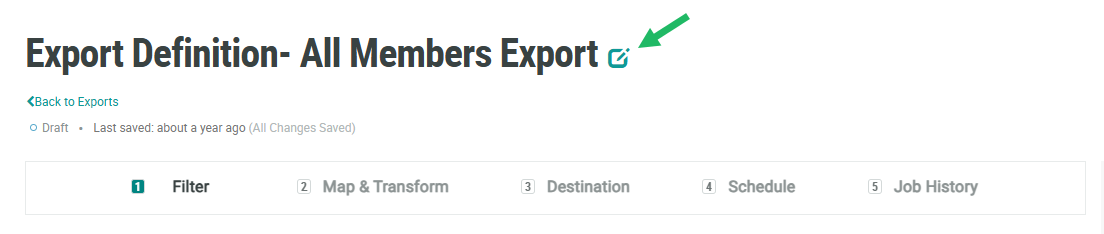
Near the top of the screen, click the Edit icon next to the Export Definition name. The Edit Export Definition Name pop-up window is displayed.
-
Optionally, in the Label field, edit the name of the Export Definition.
-
The Integration Queue controls the processing priority of this Export Definition. Unless instructed by your Zeta team to select a different option, you should select Normal as the Integration Queue Name.
Note: The Connector Type and Resource properties are displayed but can't be edited. These properties can never be edited after an Export Definition is created and saved.
-
Click Save.
